

Since we’re on the topic of talks, I wanted to describe my process for generating the illustrations I use for my slides. Two years ago I primarily used royalty-free stock photography, but now I use images generated by AI (first via ChatGPT but now with Gemini). Over that time my workflow has evolved substantially, and I think it’s reached the point where others might find it interesting and useful.
The big picture
Let’s begin with the big picture: I use AI to generate illustrations, not photos or diagrams. I don’t think AI-generated photos are appropriate for a presentation; at best they’re misleading and at worst they’re flat-out creepy. As for diagrams, I just don’t think that AI is (yet) up to the challenge. AI-produced diagrams tend to be overly complex, and while they look impressive, they tend not to aid comprehension of complex topics. And worse, they’re not editable: you can’t nudge a box or reword a label. So instead of just fixing the problem, you end up in a frustrating loop of prompt tweaking, trying to coax the image towards the diagram you could have drawn yourself much faster.
For me, illustrations are the sweet spot of AI-generated art. A good illustration doesn’t need to explain anything — it evokes a feeling, an image, or a memory in your audience’s mind. It supports your presentation, rather than overshadowing it, freeing the audience to focus on the most important thing: you and what you’re saying.
Practicalities
For me, right now, Google’s Gemini Image family (aka Nano Banana) is the best model for generating images. It’s widely available, high quality, reasonably fast, and reasonably cheap. While you can of course create images using chat, I think there’s a better way. A way that’s both reproducible and reusable, facilitated by a small R package called bananarama.
The basic idea is that you write a yaml file and bananarama takes care of calling the Gemini API to produce and save the images:
defaults:
  style: Vibrant high impasto oil painting.

images:
  - name: pinnacle-of-success
    description:
      Draw a picture of [Hadley] hiking up a mountain. The mountain should
      be tall and imposing and he should be really struggling to make it
      to the top.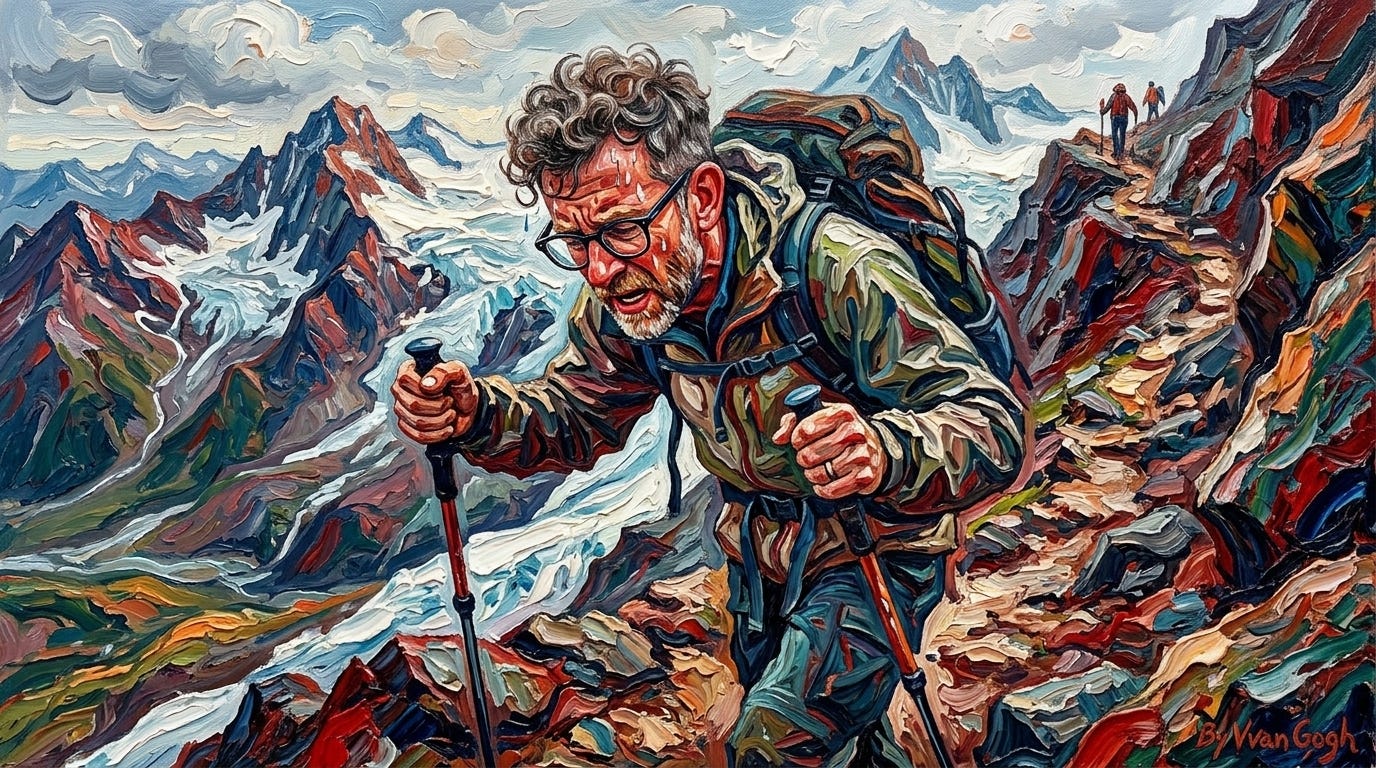
(This doesn’t look quite like the images from my presentation; more on that shortly.)
You then call bananarama::bananarama("name.yaml") and it will put the requested images in the name/directory, skipping any that have already been generated.
By default bananarama generates images with a 16:9 aspect ratio. But frustratingly, Gemini actually generates images with a 16.1:9 aspect ratio, meaning that every image needs to be slightly resized when you use it. This drives me absolutely wild, and seems like such a classic AI problem: you have an incredibly powerful model that screws up something basic.
The major downside of bananarama is that you have to set up an API key and pay API pricing. One image costs ~$0.07, so while one is cheap, the costs can add up if you’re doing a lot of iteration.
Style
The file starts by defining the default style, which is an important way to ensure visual consistency across your slides. In a presentation, consistency matters: you want the changes between slides to be meaningful. Your style should be personal, but I’ll start by sharing mine, which I used to generate the images in the slides from last week:
Flat vector editorial illustration with a prominent grainy, chalk-pastel texture overlaid on the entire image. The style is lineless, relying on colour blocking and soft, textured shading to define forms. The color palette is muted and desaturated. If present, furniture and decor are mid-century modern. The overall mood is calm, cozy, and approachable.
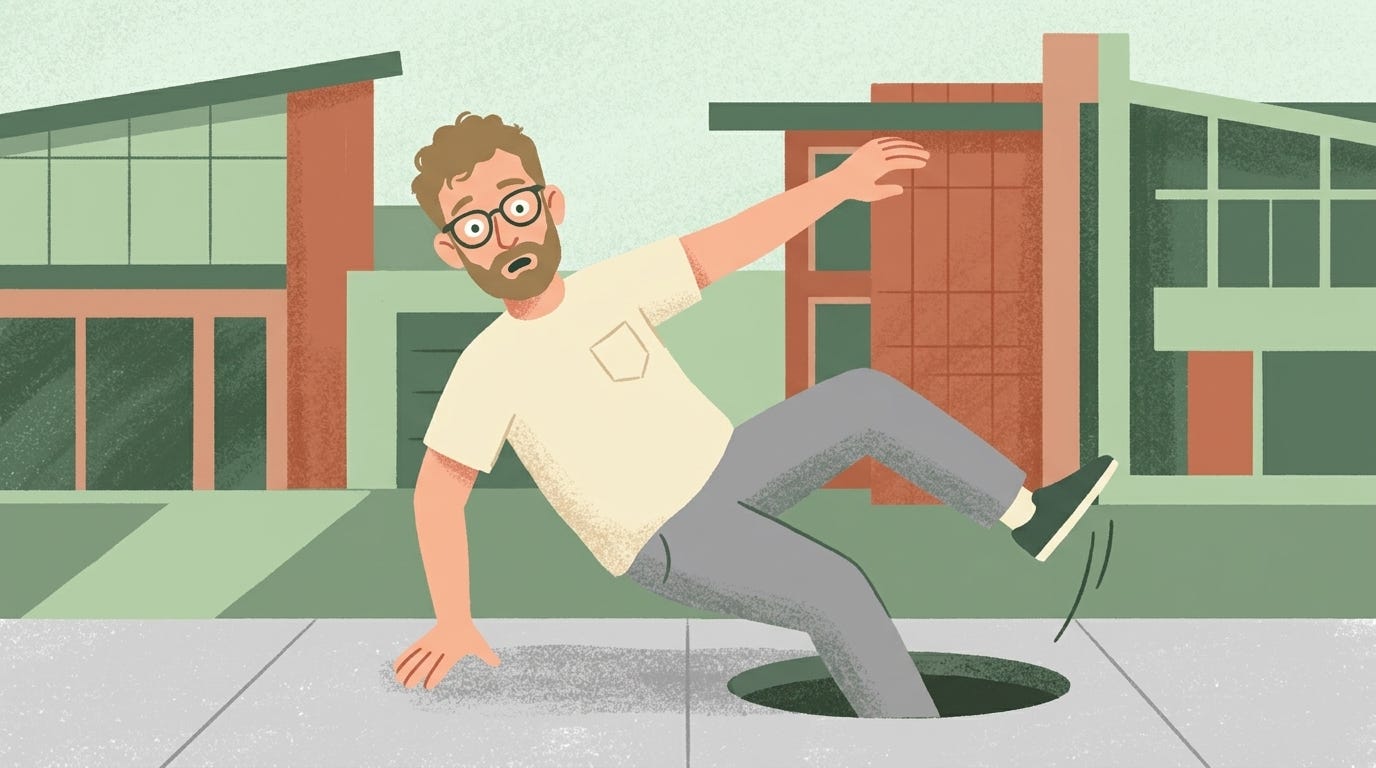
Getting to this prompt was a long evolution, tweaking a bit here and there with each presentation. I also did a few rounds of iteration in Gemini chat, asking for suggestions to get it closer to the style I was imagining.
But please don’t copy my style. Not because I mind, but because you’re missing an opportunity to learn more about art and to have some fun. I’ve included a few examples on the bananarama site to get your creative juices flowing, but I highly recommend you just keep your eye out for illustrations that you like. Take a photo when you see it, then ask Gemini to describe the style you’re looking at. Ask it about similar styles and how it’s evolved over time, and then try out a few variations. (If you just want to learn more about art, check out Modern art for haters on TikTok, which I really enjoy.)
If you want to make your images look particularly consistent, you can anchor the prompt with reference images. bananarama makes this easy: whenever you write [image] it will look for image.png or image.jpeg and automatically include it in the prompt. I use this idea a lot. Whenever I get a component that I particularly like, I’ll crop it out and save it. That’s how I came up with hadley.png, robot.png, and style.png that I used for my slides last week.
Embrace the medium
This is a new way of making art, and you have to approach it with some flexibility. Don’t hold too tightly to the image that you see in your mind’s eye, as getting exactly what you want is a crapshoot and it’s easy to waste a lot of time trying to craft exactly the right prompt. Instead, go with the flow, and also let the images influence how you think about your talk.
Another useful technique is generating a few replicates with exactly the same inputs. bananarama makes that easy because you can label images with (e.g) n: 3 to generate three replicates of the same image. That gives you a sense of the “distribution” of images for a given prompt. Sometimes it’s not that you wrote a bad prompt, it’s just that you got a bad random seed. These days once I’m confident the prompt is getting the main points across I’ll generate 5 different images and then pick my favourite.
Let’s work through an example image I made for a recent talk. I wanted to capture the feeling that AI is squeezing us out, and since the talk was in Minnesota, I wanted to use my favourite Minnesotan word, “Ope”. That led to my first prompt:
A robot squeezing past [Hadley] saying “Ope, just gonna squeeze right by ya”. The robot is Minnesotan, wearing a vest with a duck on it and a winter hat. Hadley is standing on the edge of a cliff looking anxious/afraid. He is in between the robot and cliff.
I iterated on this prompt quite a bit, but I couldn’t quite get what I was looking for.
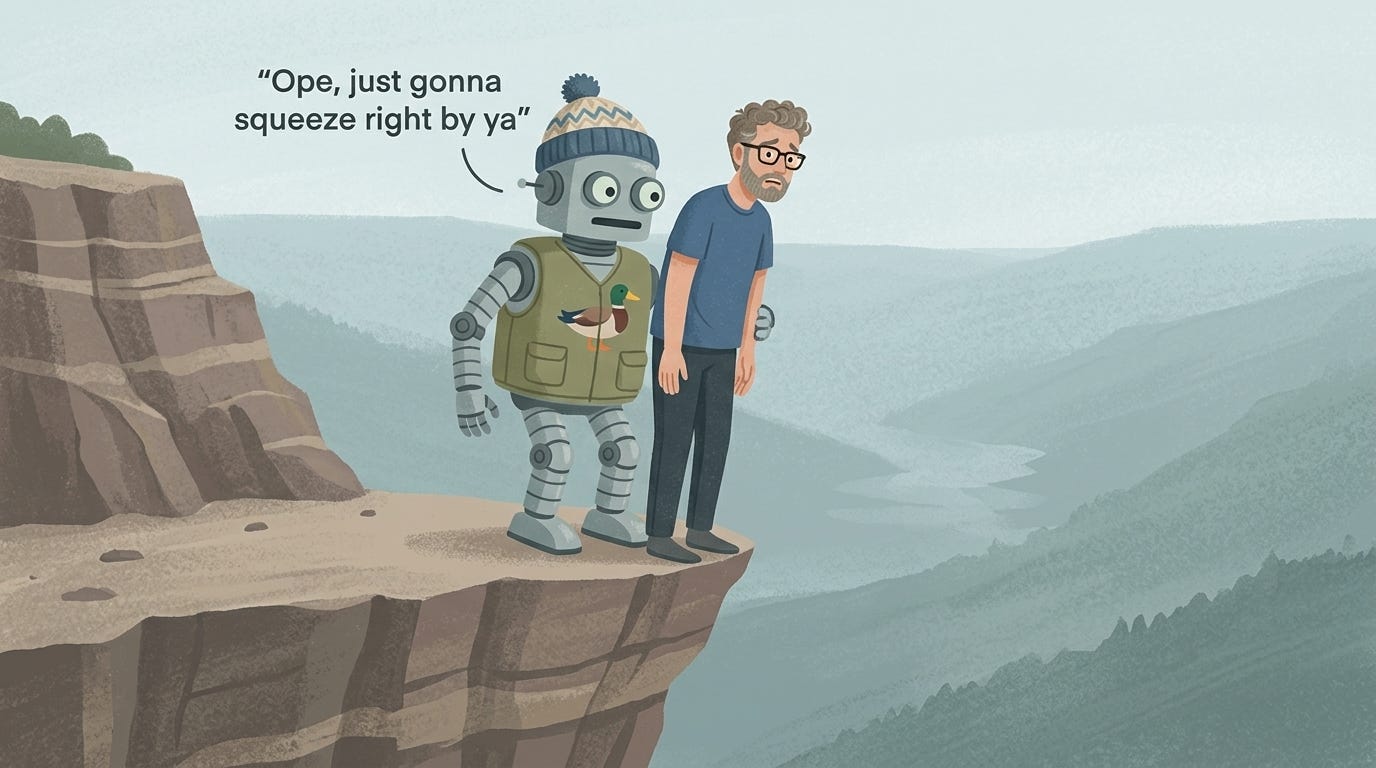
So at this point I switched to generating a few replicates and I got one that was so close:
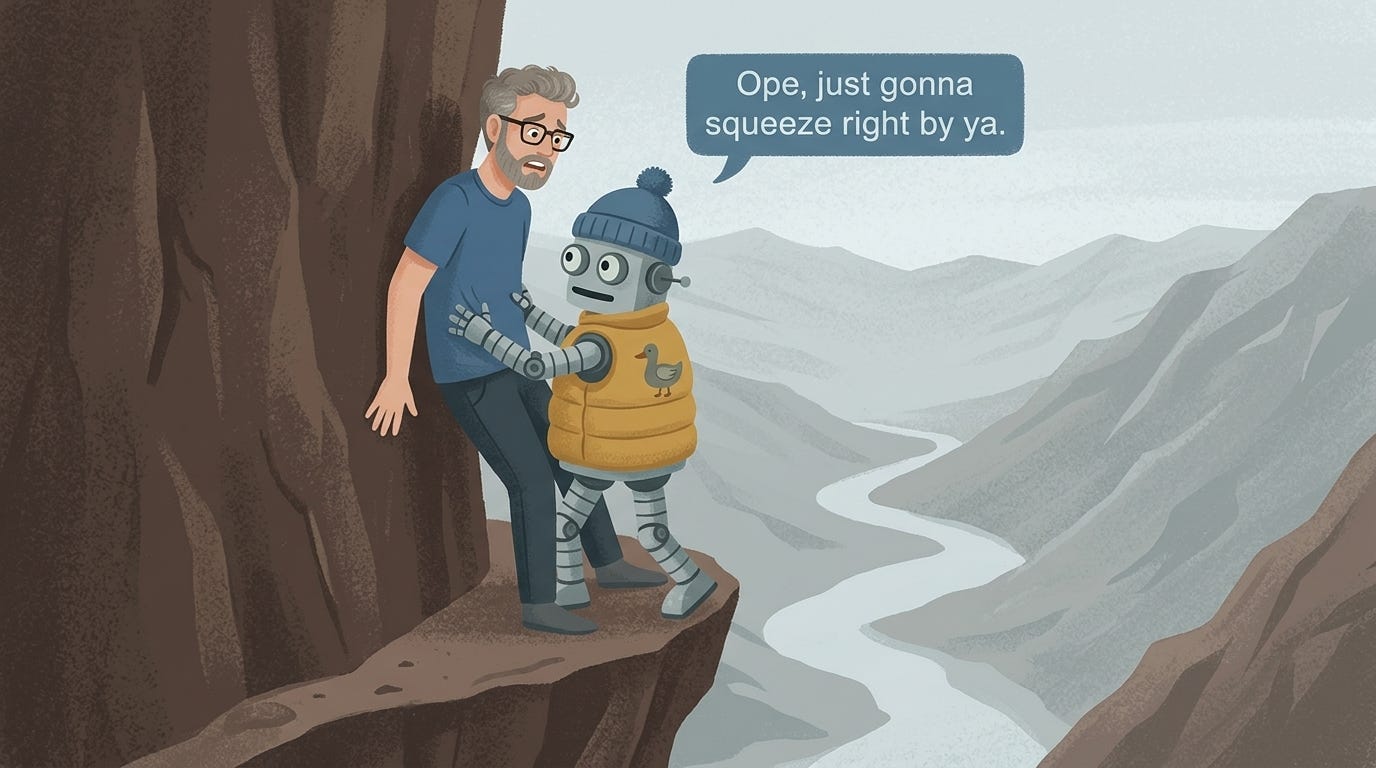
This was close enough, and because bananarama doesn’t (yet!) support editing images, I switched back to Gemini chat and asked:
Flip the position of the human and the robot
That worked, but made me say the words instead of the robot. So I tried:
The robot should still say the words
That did nothing, so I was even more explicit:
Move the text so the robot is talking, by moving the text box to the left
That worked, yielding the image I used in my presentation:
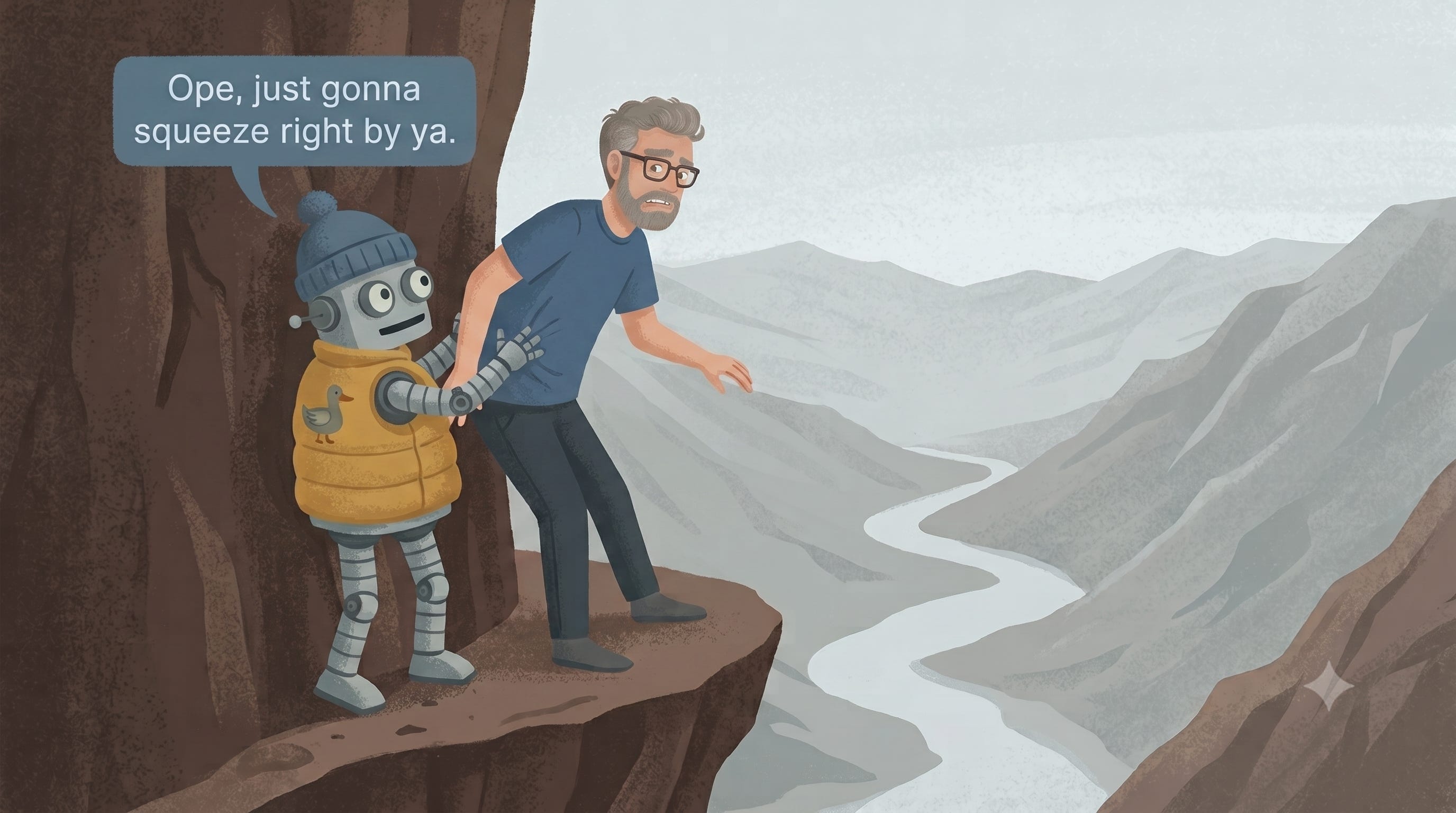
(This is a good example of the frustrations of trying to get Nano Banana to produce exactly what you want. Of course I realised afterwards this task would have been much easier if I had just added the speech bubble in Keynote 😐.)
What I like about this image is that it evokes a robot that acts politely while it puts us all at risk.
What about the artists?
You can’t generate art with AI without thinking about the artists. These models are trained on images scraped from the internet without artists’ consent, and the fact that I find them so useful doesn’t make that go away. I wish I had a tidy resolution; I don’t. Art is important to me, and I like to surround myself with beautiful things made by people. I don’t know if that feels like enough, and it didn’t feel right to talk about this workflow without touching on the uncomfortable parts.
It’s a hard time to be an artist, and AI tools are part of why. So if you make art with AI, please, please, support humans by buying their work!
Personally, I find pretty much all AI-generated graphics, including cartoons like these, off-putting aesthetically. Maybe, I'm in the minority with this, but I actually have to fight through my disgust with them to read your posts, which I otherwise find very helpful.
Big props from this Minnesotan on the “ope just gonna scooch on by ya there”